
An operating system, popularly termed as OS, is a system software that manages computer software and hardware and provides common services for computer programs.
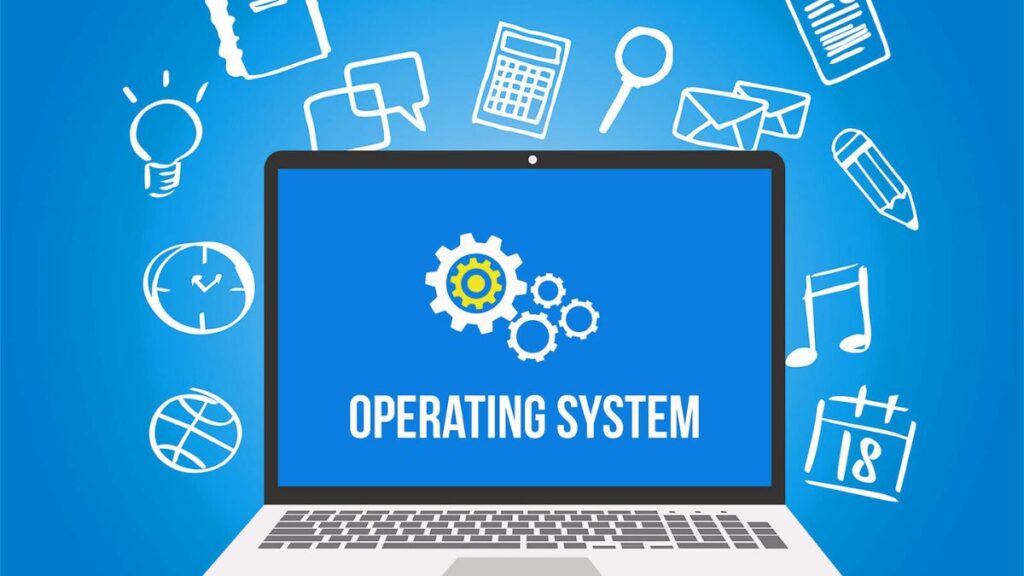
The operating system runs applications and simplifies problem-solving for users, ensuring the system is user-friendly and easy to navigate.
Basics of Operating System (OS):
Features of an Operating System:
The structure of an operating system is complex, consisting of many networks, memory, storage, and management. There are several features of the operating system we must know about:
Process Management:
Process management in an operating system includes various actions, such as creation, scheduling, termination of a process, and deadlock.
File Management:
It is a process of manipulating files on a computer device. The process of file management includes creating, modifying, replicating, and deleting files.
Device management:
Device management in an operating system consists of controlling the input-output devices, like disk, microphone, speaker, USB ports, camcorder, printer, projector, magnetic tape, and other accessories, and supporting unit control channels.
Memory Management:
Memory management is the process in the operating system that helps in managing operations between main memory and the disk during the process of execution.
Security:
This process involves operating system integrity, confidentiality, and availability.
Secondary Storage Management:
Secondary storage management is a process of controlling data storage devices that are not directly connected or accessible by the Central Processing Unit (CPU).
Networking:
Networking allows the devices to connect and communicate with various autonomous devices over a single network.
Command Interpretation:
A command interpreter is also a part of the operating system that recognises and executes the commands given by human beings.
Job Accounting:
The job accounting function is available to every operating system. The job accounting data helps in tracking the usage of system resources.
I/O Management:
One of the most important basic functions of an operating system in a computer is managing and organising all the input output devices and i/o operations.
Coordination Between Other Software & Users:
The operating system (OS) allows hardware components to be coordinated. OS also directs and allocates various components, like assemblers, interpreters, compilers, and other software, to the different users of the system.
Error Detection:
OS also protects the computer from major bugs. The operating system consistently monitors the system to look for major bugs and errors and fix them.
Events in the Operating System:
Booting:
Booting is a process that restarts a computer, initiated either via hardware, such as a switch, or by a software command. Booting is simply a term for restarting your computer.
Hanging or Freezing:
Hanging or Freezing occurs when the computer system is active but refuses to respond to any input or output options.
Ejecting:
Ejecting is a process that allows the operating system to understand whether hardware is disconnected from the computer device.
Components of an Operating System:
There are three important components of an Operating system as follows:
Kernel:
It is considered the central component of an operating system that manages the operations of hardware and software.
The kernel is the core that provides basic support to all other parts of the operating system. It also helps in managing computer resources and memory management.
Shell:
The shell is the outermost part of the OS that incorporates a programming language to control processes and files, as well as to start, control, and finish other programs.
Interrupt:
Interrupts are very crucial because they help the OS to communicate and react to its surroundings. An interrupt is a type of signal between a device and its surroundings that allows the OS to decide whether the OS needs to leave or continue the program.
Also Read: Computer: Output Devices For SSC, Bank, & Other Examinations
Also Read: Computer: Types Of Operating Systems (OS) For SSC, Bank, & Other Examinations

Hi, I am Lakshya Sen.. I have been teaching for SSC, Railways, and Other Examinations For 5+ years. To date, more than 1000 students have fulfilled their dreams with the help of my guidance.